
Skip to content

A QR menu that sends orders to your WhatsApp

Add your dishes once. Guests scan the table code, browse, and send their order straight to your WhatsApp.

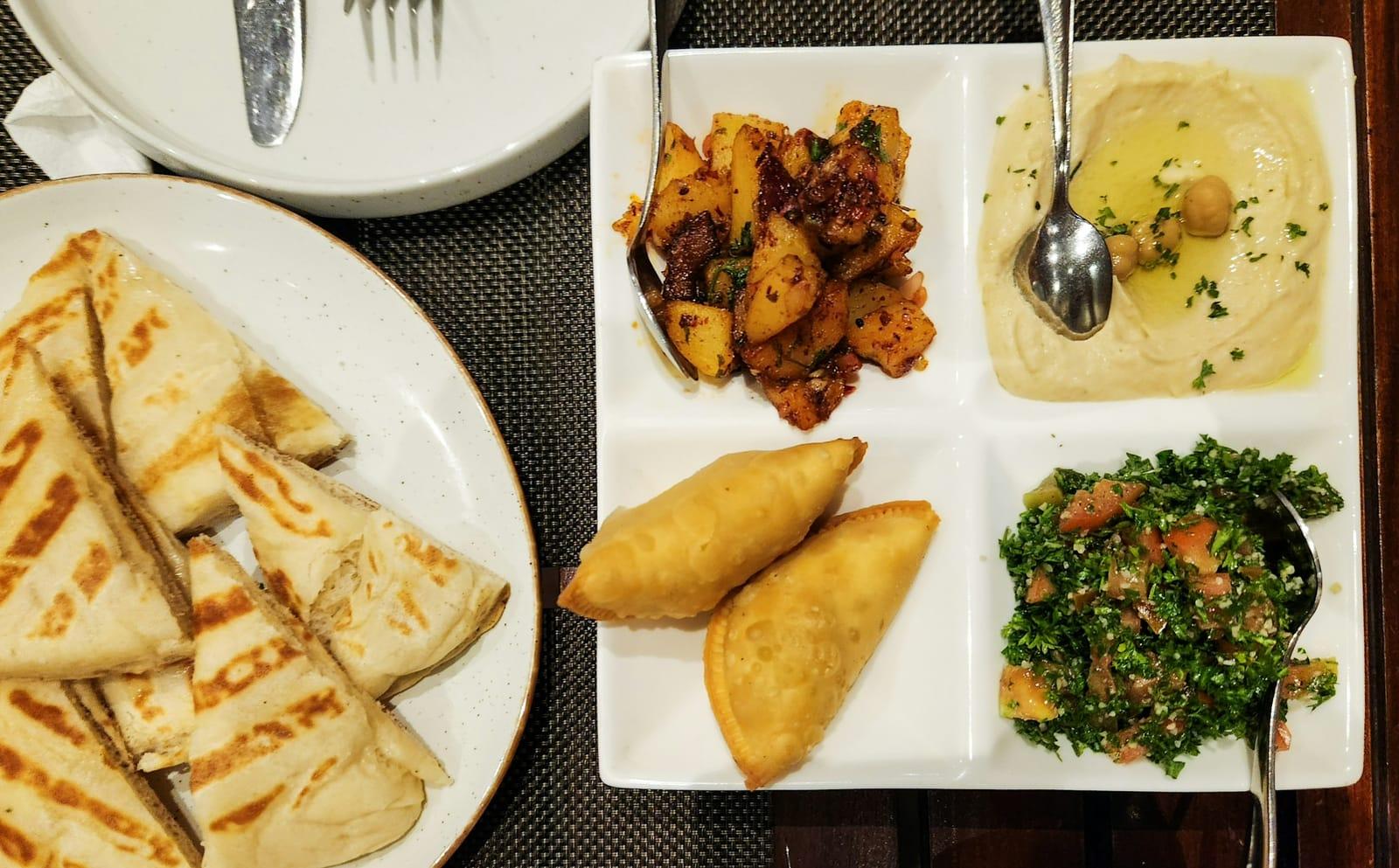
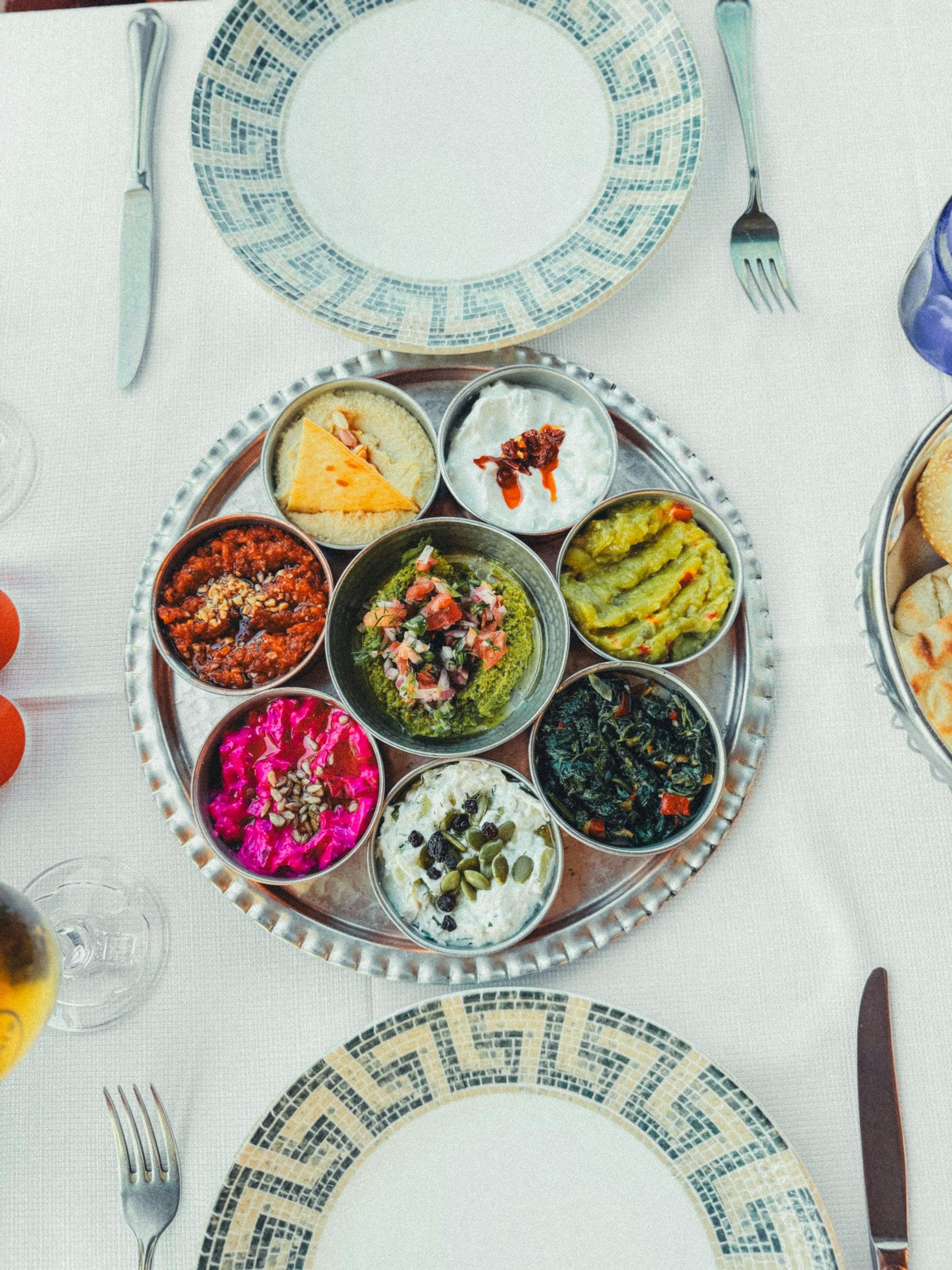
Table set for two with a tray of eight mezze dips between two patterned plates

What changes when the menu lives on a QR code

Five everyday moments, with a printed menu and with Menyuz.

Café counter at night with a handwritten chalkboard menu above the espresso machine
A price changes
Printed menu: Reprint every copy, or cross it out by hand.
With Menyuz: Edit the price once. The next scan shows it.
A dish sells out
Printed menu: Guests order it, then hear it is gone.
With Menyuz: Switch the dish off and it leaves the menu.
Taking the order
Printed menu: Someone writes it down, or a phone call gets misheard.
With Menyuz: Guests send an itemized order with the total to your WhatsApp.
Two currencies
Printed menu: Convert in your head, or print both prices.
With Menyuz: Set the rate once and every price shows in both.
A second branch
Printed menu: A separate printed menu, slightly different each time.
With Menyuz: One shared menu, with branch prices where you need them.

Built around a real menu

Sizes, sold-out dishes, two currencies, deals and branches are part of the menu, not workarounds.

Sizes, add-ons and sold-out dishes

Give a dish a large size or paid extras with their own prices. When it runs out, switch it off and it leaves the menu until you switch it back.
Prices in two currencies

Set a conversion rate once and every dish shows both prices.

Deals that do the math

Pro and Business

Bundle dishes and set an offer price. The original total and the discount are worked out for you.

Branches with their own prices

Pro and Business

Every branch shares one menu. Change a price for one branch or hide a dish where it is not served.

Your colors and logo

Pick your brand color, upload your logo and choose whether the menu opens light or dark.

From sign-up to the first order

Sign-up takes about a minute. After that, it depends on how many dishes you add.

Start free trial
  1. Create your account

    Enter your business name, an email address and a password. Your menu gets its own link straight away.

  2. Add your dishes

    Create categories, then add dishes with photos, prices, sizes and add-ons.

  3. Make it yours

    Set your colors, logo, currency and the WhatsApp number orders go to.

  4. Print the QR code

    Download your code as a PNG and put it on table cards, stickers or the window.

  5. Get orders on WhatsApp

    Guests pick dishes, tap Order via WhatsApp and send you the list with the total.

One menu, seen three ways

What your guests see, what lands in your WhatsApp, and where you make changes.

Categories, photos and both prices, sized for a phone. Guests add dishes to an order as they browse.

Fanous Kitchen
AllCold mezzeHot mezzeGrills

Cold mezze

  • Hummus beiruti

    Chickpeas, tahini, garlic, cumin, parsley oil

    $6.50 581,750 L.L

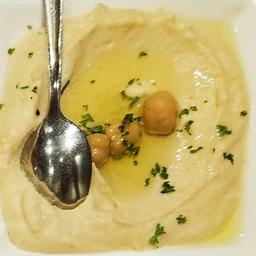
    Hummus topped with olive oil, chickpeas and parsley
  • Tabbouleh

    Parsley, bulgur, tomato, mint, lemon

    $5.75 514,625 L.L

    Tabbouleh salad of chopped parsley and tomato

Hot mezze

  • Batata harra

    Potatoes, coriander, garlic, chili

    $4.75 425,125 L.L

    Spiced fried potatoes with coriander
  • Cheese sambousek

    Akkawi and mint in crisp pastry, 3 pieces

    $5.25 469,875 L.L

    Two golden fried cheese pastries
View order4 items, $23.50

Try it for 14 days, then pick a plan

No card to start. When the trial ends, your menu pauses until you choose a plan, and nothing you added is lost.

14-day trial

Everything you need to put a first menu on the table.

  • 1 branch
  • Up to 30 dishes
  • Up to 10 categories
  • QR code and WhatsApp ordering

No card needed

Pro

For a café or restaurant with up to three branches.

Price shown at checkout

  • Up to 3 branches
  • Unlimited dishes and categories
  • Deals and bundles
  • Different prices per branch
Start free trial

Business

For groups that run more branches.

Price shown at checkout

  • Unlimited branches
  • Everything in Pro
  • Branch switcher on your menu
Start free trial

Compare plans

Plans differ in branches, menu size, deals and branch tools. The rest is in every plan, trial included.

Swipe the table sideways to see every plan.

Plan limits and features
Feature14-day trialProBusiness
Branches13Unlimited
Dishes30UnlimitedUnlimited
Categories10UnlimitedUnlimited
Deals and bundlesNot includedIncludedIncluded
Prices and descriptions per branchNot includedIncludedIncluded
Branch switcher on the menuNot includedNot includedIncluded
QR code to download and printIncludedIncludedIncluded
Ordering through WhatsAppIncludedIncludedIncluded
Sizes and add-onsIncludedIncludedIncluded
Prices in two currenciesIncludedIncludedIncluded
Your colors, logo and light or dark menuIncludedIncludedIncluded

Common questions

Short answers about guests, orders, the trial and billing.

Do my guests need to download an app?

No. The QR code opens your menu in the browser on their phone.

How do orders reach me?

Guests add dishes to an order and tap Order via WhatsApp. WhatsApp opens with the list of dishes and the total, addressed to the number you set. You confirm it and take payment the way you do today.

Do I need a card to start the trial?

No. You sign up with your business name, an email address and a password.

What happens when the 14-day trial ends?

Your menu is paused until you choose Pro or Business. Your dishes, photos and settings stay saved, and you can upgrade from your dashboard at any time.

Can I show prices in two currencies?

Yes. Add a second currency and a conversion rate, and every dish shows both prices. WhatsApp orders use your main currency.

Can each branch have its own prices?

On Pro and Business, yes. You can change the price, description or featured status of a dish for one branch, or hide it from that branch.

How do I change or cancel my plan?

From the billing section of your dashboard. Moving to a smaller plan deletes nothing; you just cannot add more than the new limit allows.

Can I print the QR code?

Yes. Open your menu, tap the QR icon and download the code as a PNG for table cards, stickers or your window.

Start your 14-day trial

Create your account, add a few dishes and print the code. No card needed.

Start free trial
QR code that opens the Menyuz sign-up page
Or scan to sign up on your phone